






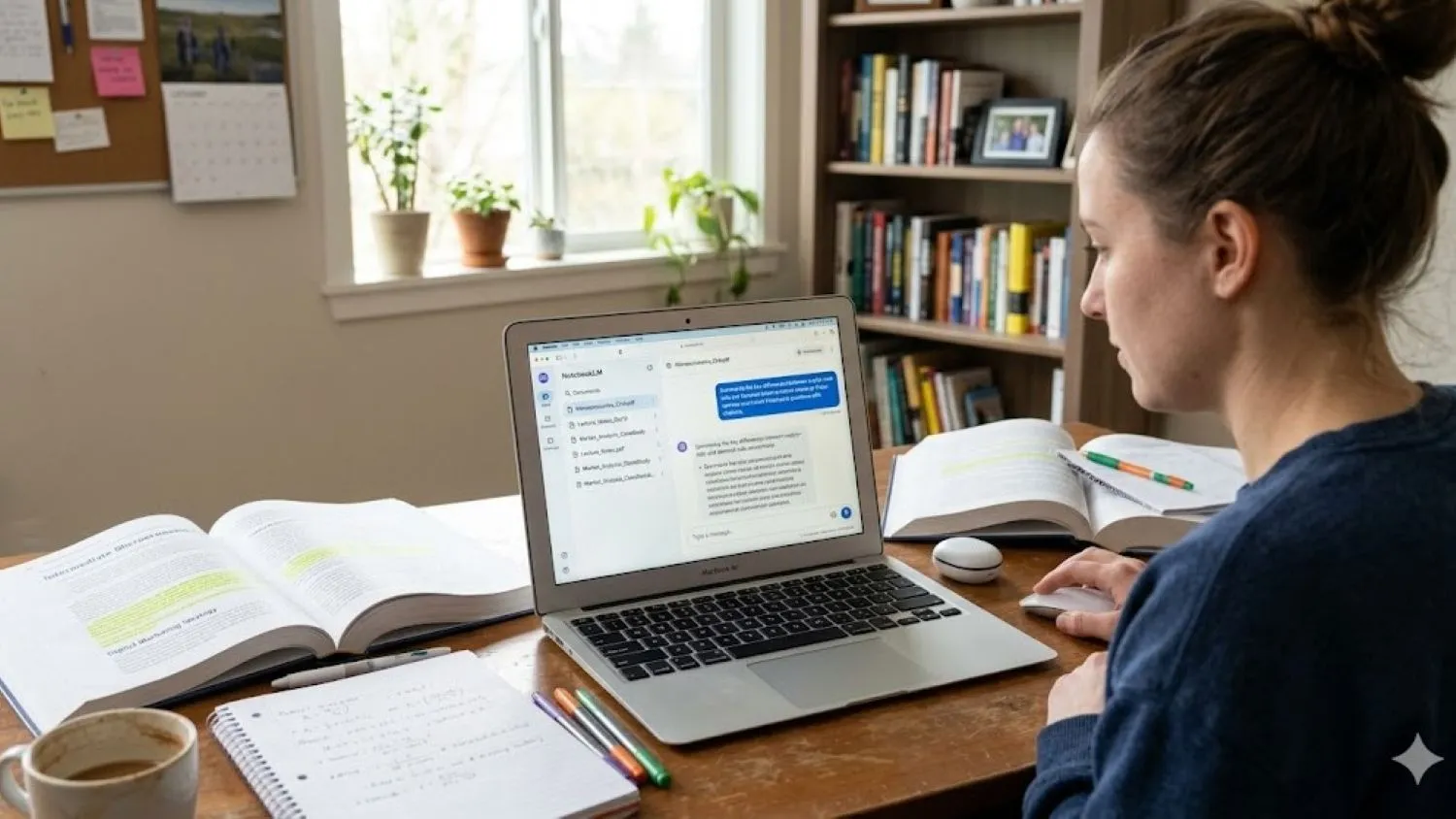
The modern academic landscape is more demanding than ever. For many US students and busy professionals balancing a career with upskilling, the sheer volume of information can feel like a tidal wave. Between endless PDFs, dense lecture notes, and sprawling research papers, the challenge isn’t just finding information—it’s actually retaining it. This is where the best NotebookLM study guide tips US students are currently using come into play, offering a streamlined way to transform raw data into functional knowledge.
Google’s NotebookLM has shifted the paradigm of artificial intelligence in education. Unlike general AI that pulls from the entire internet, NotebookLM is “grounded” in your specific documents. This means it only answers based on the material you provide, significantly reducing errors and providing a personalized tutor that actually knows your syllabus. By turning your chaotic folders into a structured knowledge base, you can achieve mastery without the need for expensive subscriptions.
What is NotebookLM and Why Does it Matter?
At its core, NotebookLM is an AI-powered research and writing assistant that uses your own documents as its primary source of truth. When you upload a file, the AI analyzes the text and creates a digital “source” that you can interact with. You can ask it to summarize chapters, find specific data points, or even explain complex theories in simpler terms.
For students, the real magic lies in its ability to provide citations. Every time the AI answers a question, it shows you exactly which page and paragraph it used. This transparency is a lifesaver for writing essays or double-checking facts before a big test, ensuring that your study sessions are both fast and incredibly accurate.
Setting Up Your Workspace with the Best NotebookLM Study Guide Tips US Students Trust
Getting started is remarkably straightforward and, best of all, free. You can sign up at notebooklm.google.com using your standard Google account. There is no “premium” gatekeeping for the core tools, making it an accessible resource for any student. The first step to success is organization: think of each “Notebook” as a specific subject or course.
To maximize the AI’s effectiveness, you should upload your sources strategically. You can add up to 50 sources per notebook, including PDFs, Google Docs, website URLs, and even audio transcripts. A professional tip is to name your files clearly, such as “Biology Chapter 1: Cellular Respiration.” Once your files are uploaded, enable citations in your settings. This small step ensures every insight is traceable back to your original notes, which is essential for maintaining academic integrity and finding the best NotebookLM study guide tips US students recommend for citation management.
Generate High-Impact Flashcards and Quizzes Fast
One of the most effective ways to move information from short-term to long-term memory is through active recall. NotebookLM makes this easy with its “Study Guide” feature. With a single click, the AI can scan your uploaded notes and automatically generate a set of flashcards or a comprehensive quiz. This eliminates the hours usually spent manually writing out questions.
If you want more control, use specific prompts like “Create 20 flashcards on the economic causes of the Civil War.” To really level up, use the “Explain why I’m wrong” feature during your self-quizzing sessions. If you miss a question, the AI will use your source material to provide a personalized correction, showing you exactly where the gap in your knowledge lies.
Master Your Sources with Audio and Video Overviews
Not everyone learns best by reading a screen for hours. For auditory and visual learners, NotebookLM offers a revolutionary “Audio Overview” feature. This generates a podcast-style conversation between two AI hosts who discuss the key themes of your documents. Many learners consider this one of the best NotebookLM study guide tips US students can use for reviewing content during a commute.
In 2025, the platform expanded to include AI Video Overviews, which visually summarize chapters for a more immersive experience. During playback, you can interact with the content by pausing and asking, “Can you explain that last concept in more detail?” This turns passive consumption into an active dialogue, potentially saving you up to 30% of your usual study time.
Unlocking Advanced Learning Guides for Deep Research
When you move beyond basic memorization, the “Learning Guide” mode becomes your best friend. This acts as a step-by-step tutor for complex problem-solving. Instead of just giving you an answer, you can ask the AI to “Explain, then compare, then apply” a specific concept across multiple sources. This helps you synthesize information from different lectures and textbooks into one cohesive understanding.
This mode is also invaluable for creating mind maps and timelines. For history or economics students, visualizing how events connect over time is crucial. By adding web sources to your notebook, you can broaden your research while keeping the AI grounded in credible citations. This significantly cuts down on “hallucinations” because you are providing the factual boundaries for the conversation.
Avoiding Common NotebookLM Pitfalls
To get the most out of this tool, you need to avoid “garbage in, garbage out.” One of the biggest mistakes is uploading messy or unrelated files into a single notebook. If your chemistry notes are mixed with your literature essays, the AI’s responses will become diluted. Keep your notebooks strictly themed by topic for the best results.
Another pitfall is using vague prompts. Instead of asking “Tell me about this,” try being more surgical: “List the top five risks mentioned in these sources and include page numbers.” It’s also vital to remember that while the AI is powerful, it is a starting point. Always verify summaries against your original documents to ensure accuracy.
Scaling Your Workflow for Long-Term Success
The true value of these study hacks lies in consistency. By building your notebooks weekly, you can convert your quizzes into Anki decks for spaced repetition. This ensures that the information you learn in the first week of the semester is still fresh for finals. You can even prompt the AI to find “gaps” in your knowledge by asking it to analyze your sources against standard curriculum requirements.
Collaborative learning is also a huge benefit. You can share your notebooks with classmates to create a shared pool of quizzes and summaries. As you see your quiz scores hit that 80% mark, you can feel confident that your mastery of the material is solid. Over time, your notebooks evolve into an evergreen personal knowledge base.
Looking Ahead: Your Next Steps
The journey to academic excellence doesn’t have to be a solo struggle against a mountain of paper. By leveraging the best NotebookLM study guide tips US students utilize today, you are turning a simple AI tool into a sophisticated, personalized mentor. Whether it’s through interactive audio summaries or grounded, cited research, the focus remains on making your learning more efficient and meaningful.






No Response