






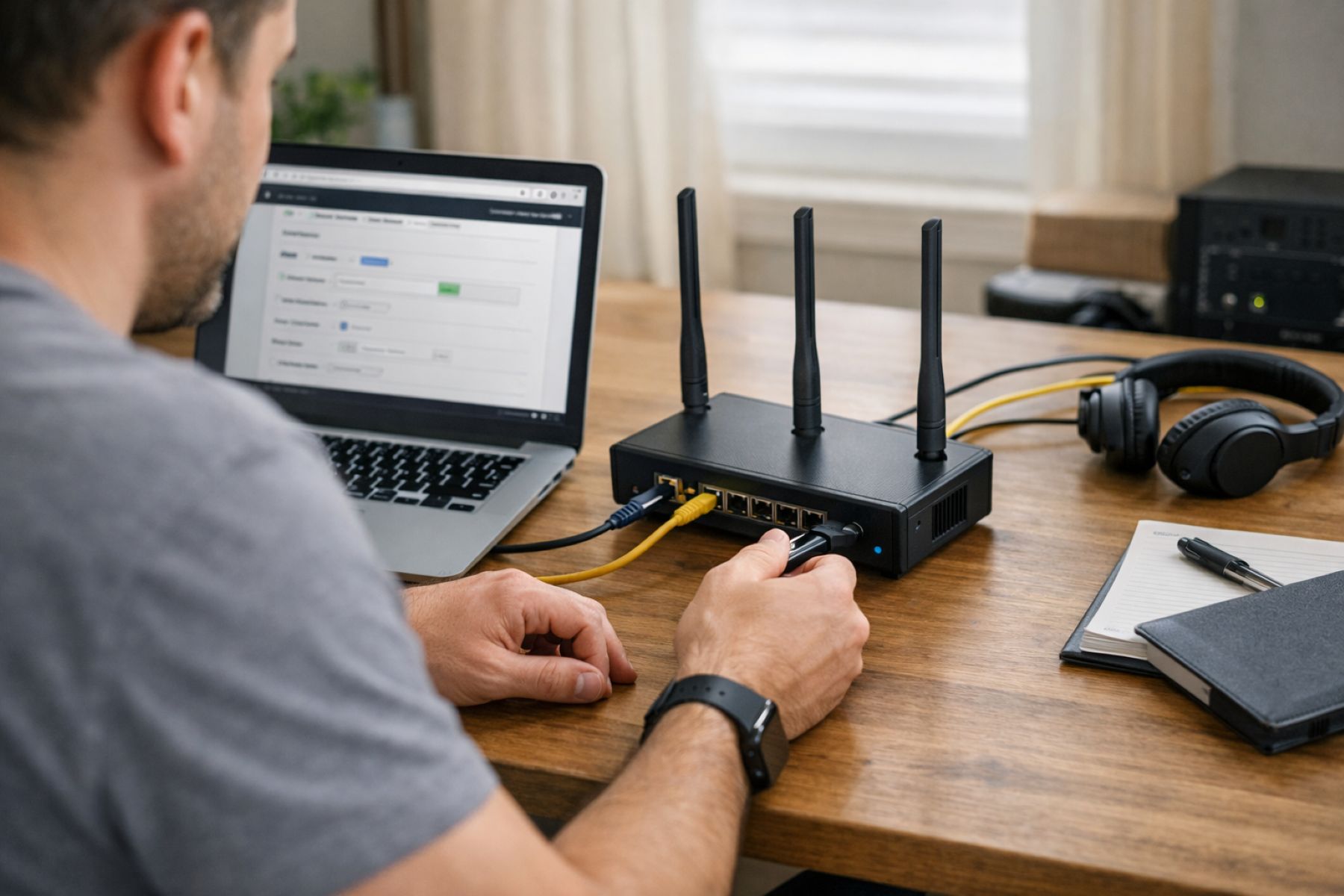
In the modern era of flexible workspaces, the boundary between the office and the home has blurred significantly. Whether you are sipping a latte at a local café or managing projects from your dedicated home office, the security of your digital footprint has never been more critical. While most people are familiar with installing a VPN app on their phones or laptops, there is a more robust, holistic solution that tech-savvy professionals are increasingly turning to: the VPN router. By integrating encryption directly at the network level, you ensure that every single device in your ecosystem stays protected without the constant need to toggle individual apps.
Understanding the VPN Router and Its Role in Digital Security
Before diving into the technical configurations, it is essential to understand exactly what a VPN router does and why it is a game-changer for remote work. Essentially, a VPN router is a standard networking device that has been configured to communicate directly with a Virtual Private Network provider.
Instead of your computer connecting to the internet and then “tunneling” through a VPN app, the router handles the encryption itself. This means your smart TV, your gaming console, and even your smart fridge are shielded by the same high-level security protocols as your work laptop. This centralized approach is particularly effective for those who frequently use public Wi-Fi or need to maintain a consistent, secure “home-base” IP address while traveling.
1. The Simplicity of the Native VPN Router
For many, the easiest path to a secure network is through a native VPN router. Manufacturers like GL.iNet have recognized the growing demand for privacy and now build hardware with integrated support for popular protocols like OpenVPN and WireGuard. These devices are often referred to as “travel routers” because of their compact size and user-friendly interfaces.
To get started, you simply access the router’s admin panel via a web browser. Most modern interfaces allow you to simply upload a configuration file—provided by your VPN service—directly into the router. Once enabled, the client routes all incoming and outgoing traffic through the secure tunnel. It is a “set it and forget it” solution that offers professional-grade security with a very shallow learning curve.
2. Advanced Control via Custom Firmware Installation
If you are someone who enjoys having granular control over your hardware, flashing custom firmware like OpenWRT or DD-WRT onto a compatible router is an excellent option. This process replaces the factory software with an open-source alternative that unlocks advanced features typically reserved for high-end enterprise equipment.
Installing these systems often involves a USB drive and a bit of patience, but the rewards are significant. You can configure WireGuard for its incredibly low overhead, which is much easier on the router’s processor than older protocols. Additionally, custom firmware allows for sophisticated port forwarding, ensuring that your remote access remains stable and optimized for your specific workflow.
3. Creating Your Own Home VPN Server
There are instances where you don’t just want a VPN; you want to be “at home” even when you’re miles away. Setting up a home VPN server on a Linux box or a capable home router allows you to do just that. By assigning a public IP and forwarding the appropriate UDP ports (commonly port 1194 for OpenVPN), you create a private portal back to your home network.
Using a Dynamic DNS (DDNS) service is a smart move here, as it tracks your home’s changing IP address and gives you a static hostname to connect to. When you connect your travel router as a client to this home server, your devices will appear as if they are browsing from your living room, which is perfect for maintaining a US-based IP while working abroad.
4. The Convenience of a Pre-Configured Provider FlashRouter
Not everyone has the time or desire to tinker with firmware and config files. This is where “FlashRouters” come in. These are professional-grade routers that come pre-configured with top-tier services like NordVPN or ExpressVPN baked directly into the hardware.
When you receive one of these devices, the heavy lifting is already done. You simply log in, select your desired server location to minimize latency, and you are ready to go. This is an ideal choice for professionals who prioritize reliability and want to ensure their video calls remain crisp and lag-free without spending hours on a setup screen.
5. Optimizing Speed with WireGuard
When it comes to the technical side of encryption, the protocol you choose matters. While OpenVPN has been the industry standard for years, WireGuard is the new favorite for a reason: speed. It uses state-of-the-art cryptography that is significantly faster and more efficient.
To optimize your VPN router for real-time collaboration tools, prioritize WireGuard. By generating unique keys and configuring peers for site-to-site tunnels, you can maintain a high-speed connection that feels almost native. Choosing a server geographically close to your actual location can further cut down on latency, making those Zoom or Microsoft Teams meetings feel seamless.
6. Enhancing Security with Multi-Device VLANs
For the true power user, segmenting your traffic using Virtual Local Area Networks (VLANs) is the pinnacle of home office security. Using enterprise-grade hardware, such as Ubiquiti routers, you can create a dedicated “Work VLAN” that is the only part of your network routed through the VPN.
This setup ensures that your personal devices, like a PlayStation or a smart thermostat, stay on a separate path, preventing them from slowing down your work connection. You can even enforce strict firewall rules that block any “outbound” traffic on the work segment if the VPN connection drops, acting as a physical kill-switch for your data.
7. Maintaining Peak Performance Tweaks
Like any piece of technology, a VPN router requires a little bit of maintenance to stay at peak performance. Regularly updating your firmware is non-negotiable, as updates often include critical security patches and performance improvements.
Furthermore, always try to use an Ethernet cable for your primary work laptop; Wi-Fi is convenient, but hardwiring eliminates a layer of potential interference. Monitoring your router’s CPU usage during peak hours is also a good habit, as heavy encryption can sometimes bottleneck older hardware. If you notice a slowdown, switching to a less crowded VPN server can often provide an immediate boost.
Investing the time to set up a VPN router is one of the most effective ways to upgrade your professional toolkit. It offers a level of “invisible” security that protects not just your data, but your peace of mind. Whether you choose a simple native setup or a complex VLAN segmentation, the result is the same: a fortified digital environment that allows you to focus on what truly matters—your work.






No Response